 Service profile
YOUR PEOPLE. YOUR OPERATIONS. CONNECTED.
One workspace. Every workday.
Cloud attendance, payroll and employee assets — with clear responsibilities at every step.
Attendance
Connect compatible devices. See time clearly.
Payroll
Review pay. Publish payslips.
Assets
Track each item and its custodian.
From the first punch to the final document
- 1Capture
- 2Review
- 3Approve
- 4Publish
Designed for company teams, HR reviewers, HR managers, assets agents and employees. Arabic and English interfaces, with separate company workspaces.
Service profile01 / ATTENDANCE
Every branch. A clearer view.
Bring compatible biometric devices, employee schedules and attendance review into one connected workspace.
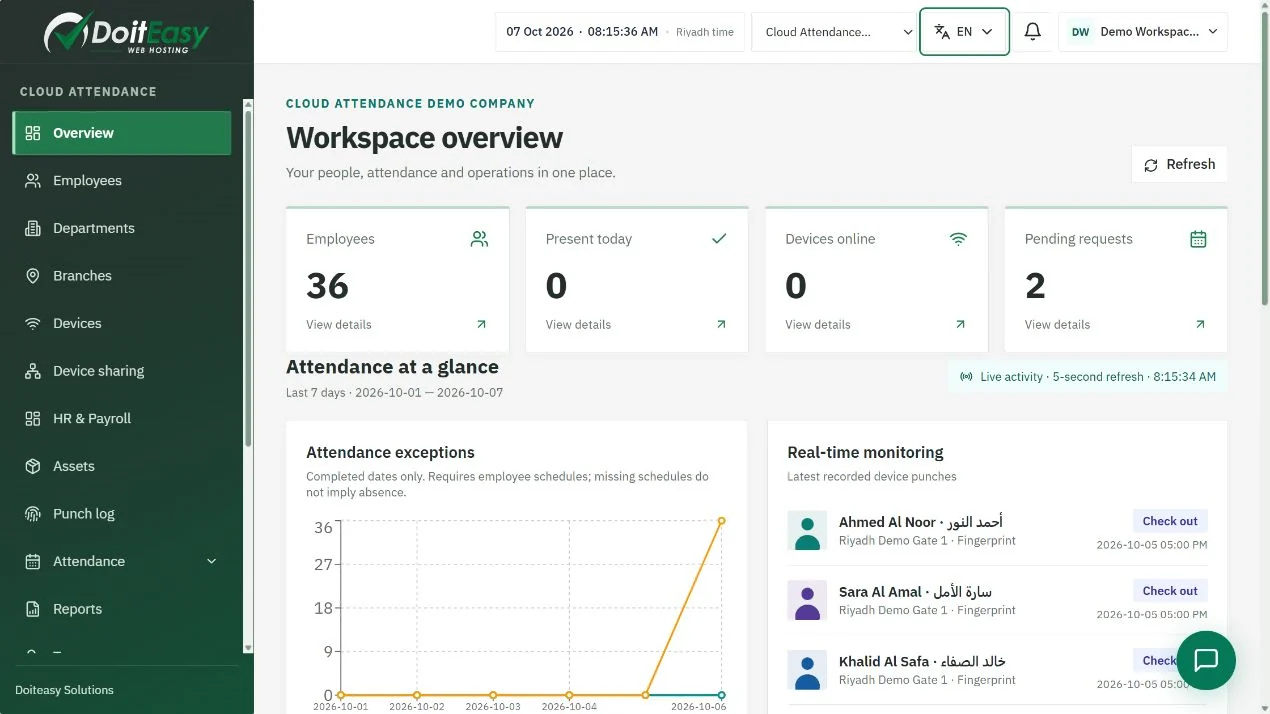
Monitor daily operations
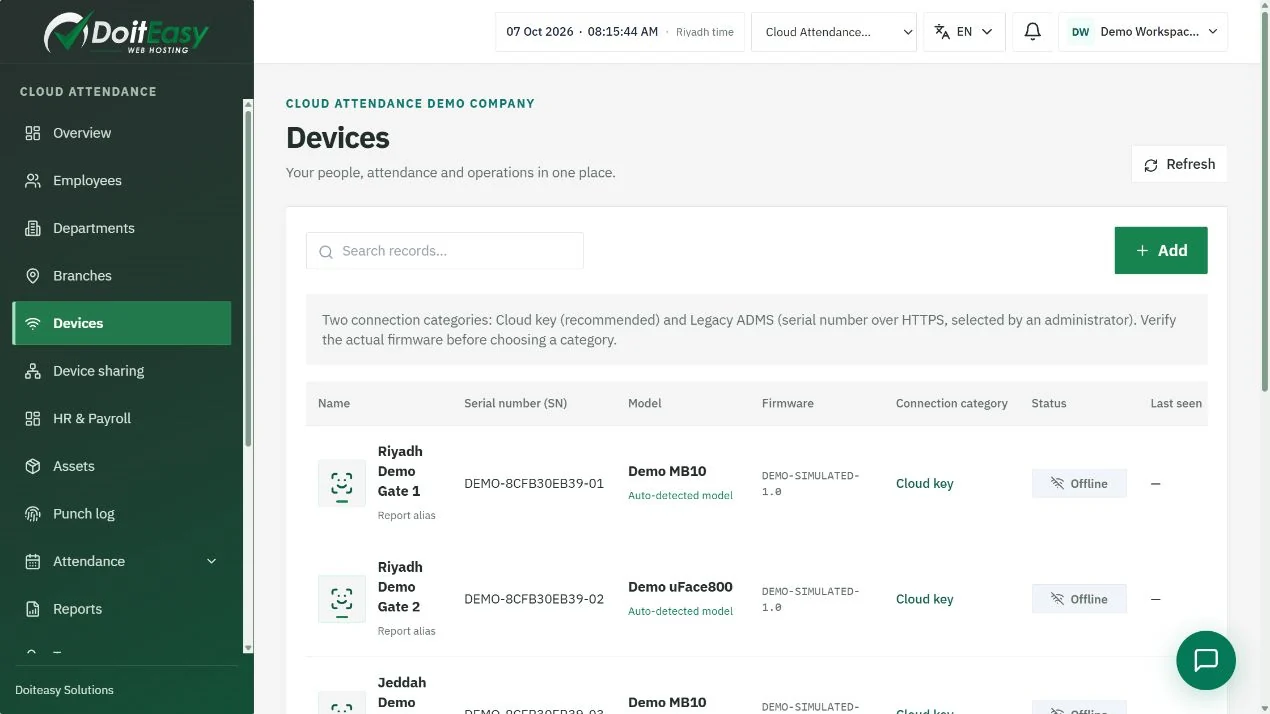
- Online and offline device status
- Arrival and departure alerts with avatars
- Shifts, calendars and working hours
- Timesheets, exceptions and reports
Connect ZKTeco to the cloud
Register the serial number, configure a supported ADMS/PUSH endpoint, and verify a fresh test punch. Device and firmware support must be confirmed.
Step-by-step connection tutorial →- 1Connect device
- 2Link employees
- 3Assign schedules
- 4Review attendance
Service profile02 / HR & PAYROLL
A reviewed payroll. A published payslip.
Maintain personnel pay profiles, review payroll inputs and give employees access to their published documents.
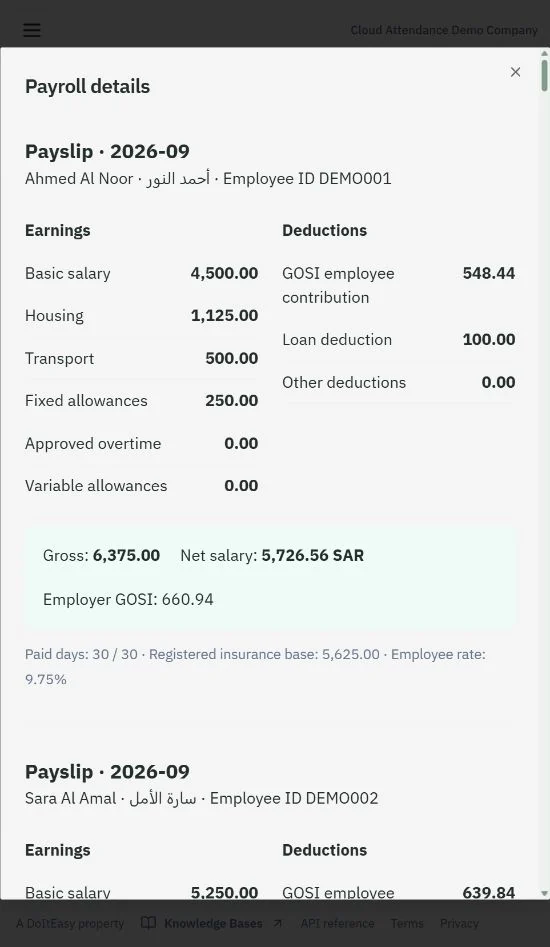
A CLEAR PATH FOR EACH SERVICE
Arabic and English on web and mobile, according to role and enabled services.
Build a clear pay record
- Salary, allowances and insurance profiles
- Approved overtime, loans and deductions
- Payroll review and publishing
- Printable PDF payslips and company stamp
Available as a plan add-on
HR and payroll access requires an eligible plan and company activation. Bank exports and government integrations need the relevant specifications, approved provider access and company credentials.
- 1Prepare inputs
- 2Calculate & review
- 3Publish
- 4Employee download
Service profile03 / ASSET MANAGEMENT
Every device has a record. Every handover has an owner.
Record devices and equipment by type, model, serial and barcode, then manage custody with employee acceptance.
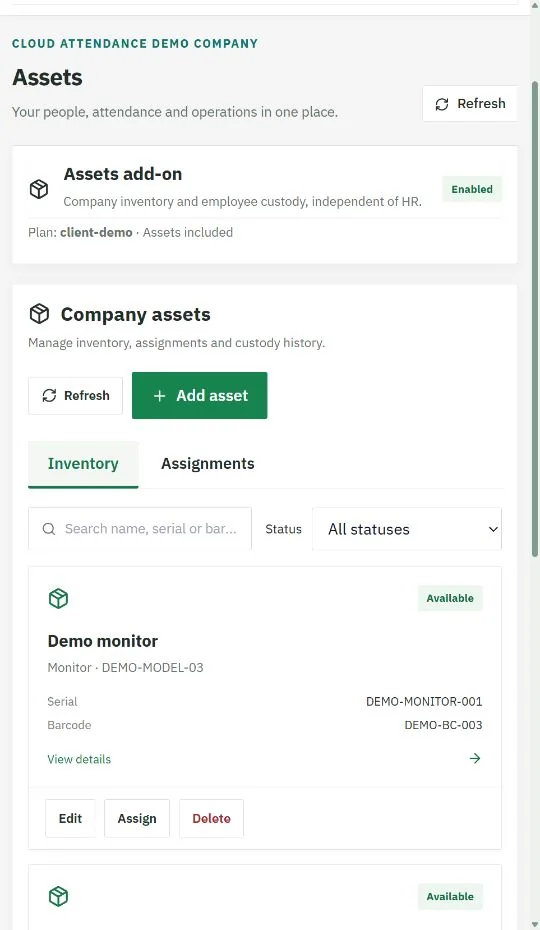
A CLEAR PATH FOR EACH SERVICE
Arabic and English on web and mobile, according to role and enabled services.
Accountable handovers
- Asset inventory and employee assignment
- Employee reviews and accepts custody
- Acceptance cannot be revoked by the employee
- Release by Assets Agent or Company Manager
Independent assets add-on
Enable Assets in the company’s effective plan, then activate it for the company. Employee custody records remain distinct from attendance devices.
- 1Register
- 2Assign
- 3Employee accepts
- 4Authorized release
Service profile04 / EMPLOYEE SERVICES & CONTROL
Employees see progress. Managers own the decision.
Self-service requests move through a visible review chain, with documents available after the relevant approval or publication.
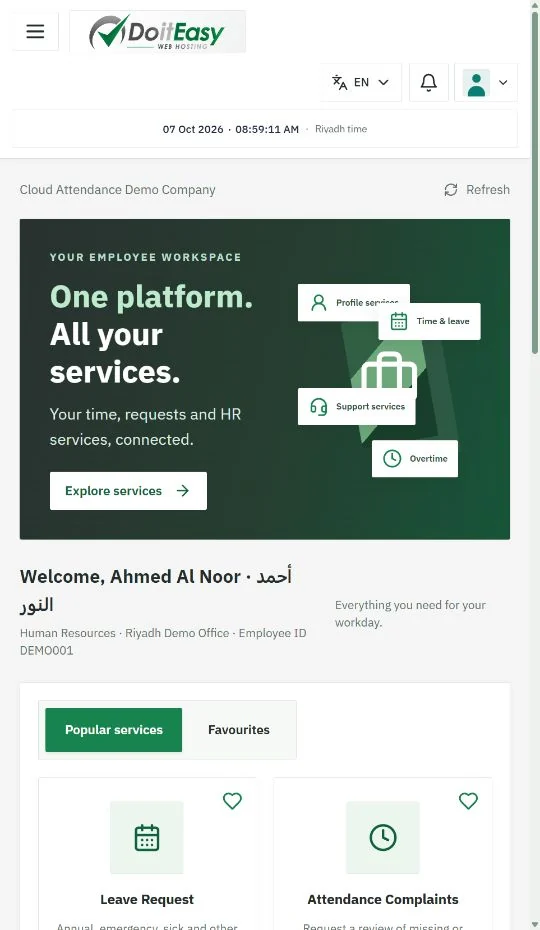
A CLEAR PATH FOR EACH SERVICE
Arabic and English on web and mobile, according to role and enabled services.
- 1Employee requests
- 2HR Agent reviews
- 3HR Manager decides
- 4Document available
Keep teams informed
- Current reviewer and request status
- Employee documents and payslips
- ID, Iqama, visa and licence reminders
- Company messaging with global fallback
Controlled account access
Role permissions, 2FA policies, audited administration and a separate six-digit PIN for the five-minute idle lock. API keys follow company permissions and plan limits.
Service profile05 / START WITH A CLEAR PLAN
A practical route to your connected workplace.
Scope your needs
Employees, branches, compatible devices, HR, payroll and assets.
Configure the company
Roles, schedules, branding, stamp and communications.
Test one complete cycle
A device punch, a reviewed request, a payslip and an asset handover.
Train and launch
Use the Arabic and English knowledge base and downloadable guides.
Let’s shape your service package.
Compare subscription plans or contact us for a lifetime licence proposal. Confirm device compatibility and required integrations during onboarding.
cloudattendence.com · Knowledge base · User guide